How to use MotiveHabit.
A deeper walkthrough of the parts you may not need during your first few minutes in the app — and how they work together as MotiveHabit learns from real life.
Give one habit your full attention.
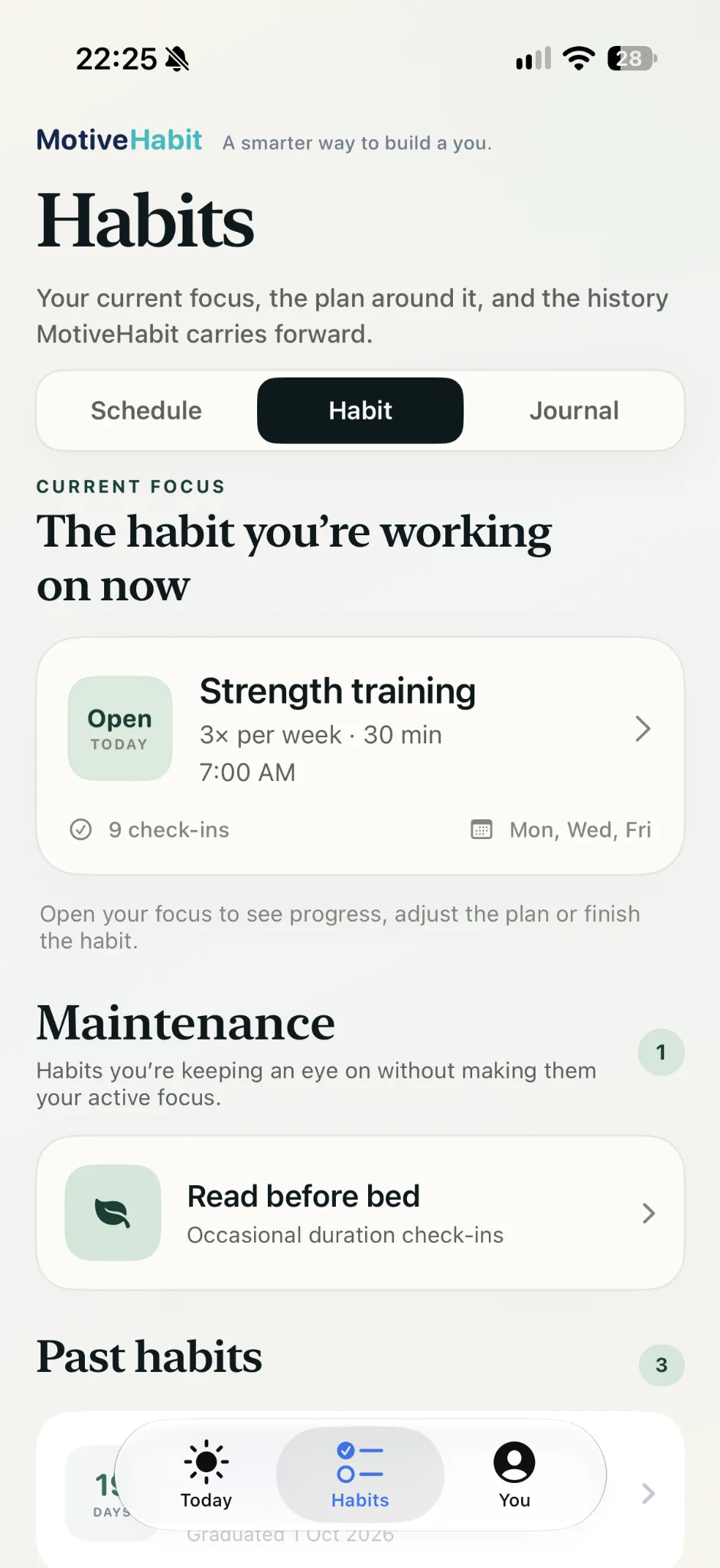
MotiveHabit is built around one actively coached habit at a time. That keeps the plan, nudges and learning focused on one behaviour instead of mixing several routines together.
When you create a habit, choose the version you can realistically repeat now. Set the goal, choose when you expect it to happen and start with a size that still feels possible on an ordinary day.
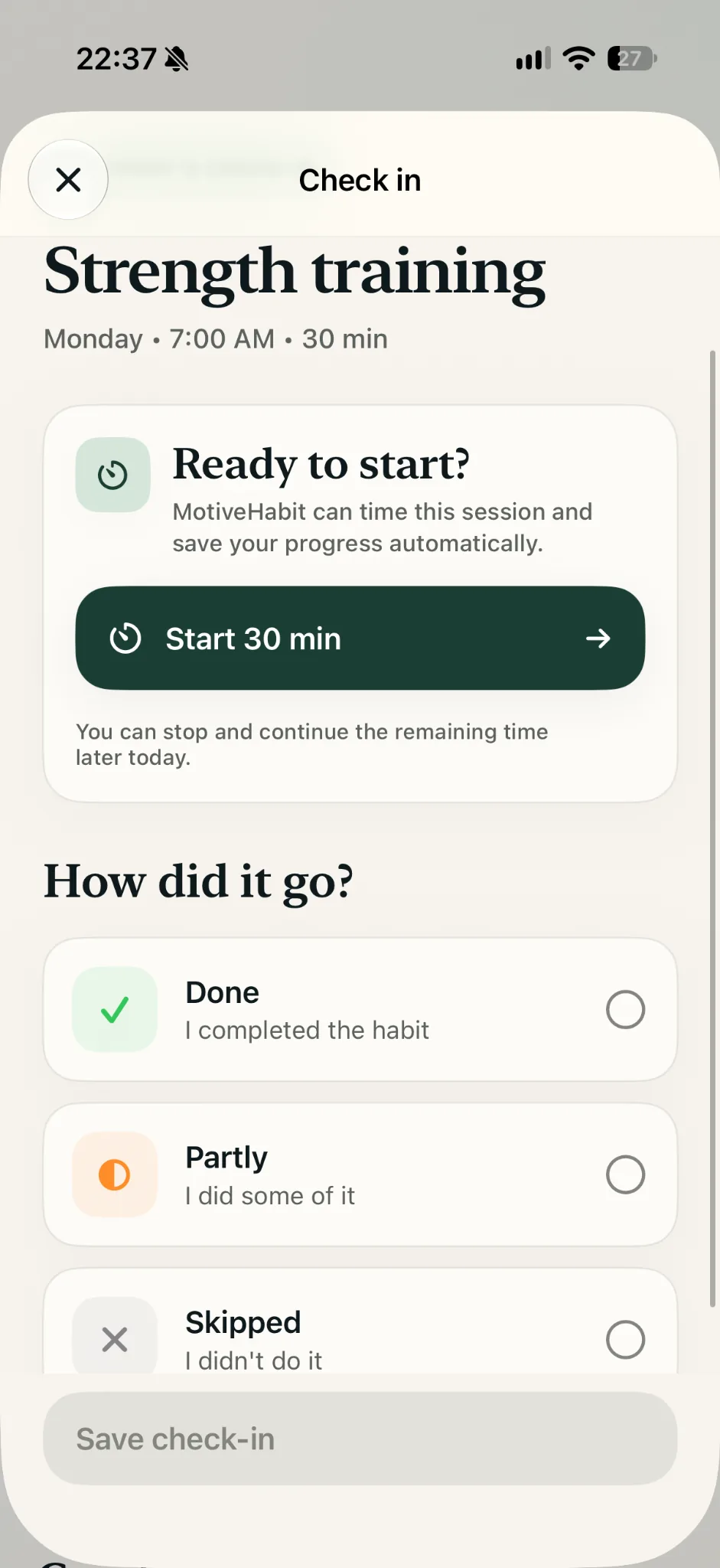
Record what actually happened.
Today is where you act on the current habit. Depending on the habit, you may mark it done, log part of the goal, record time or quantity, or note that the habit was missed, skipped or had a lapse.
The important part is accuracy, not perfection. MotiveHabit learns more from the real outcome than from a streak that hides difficult days.
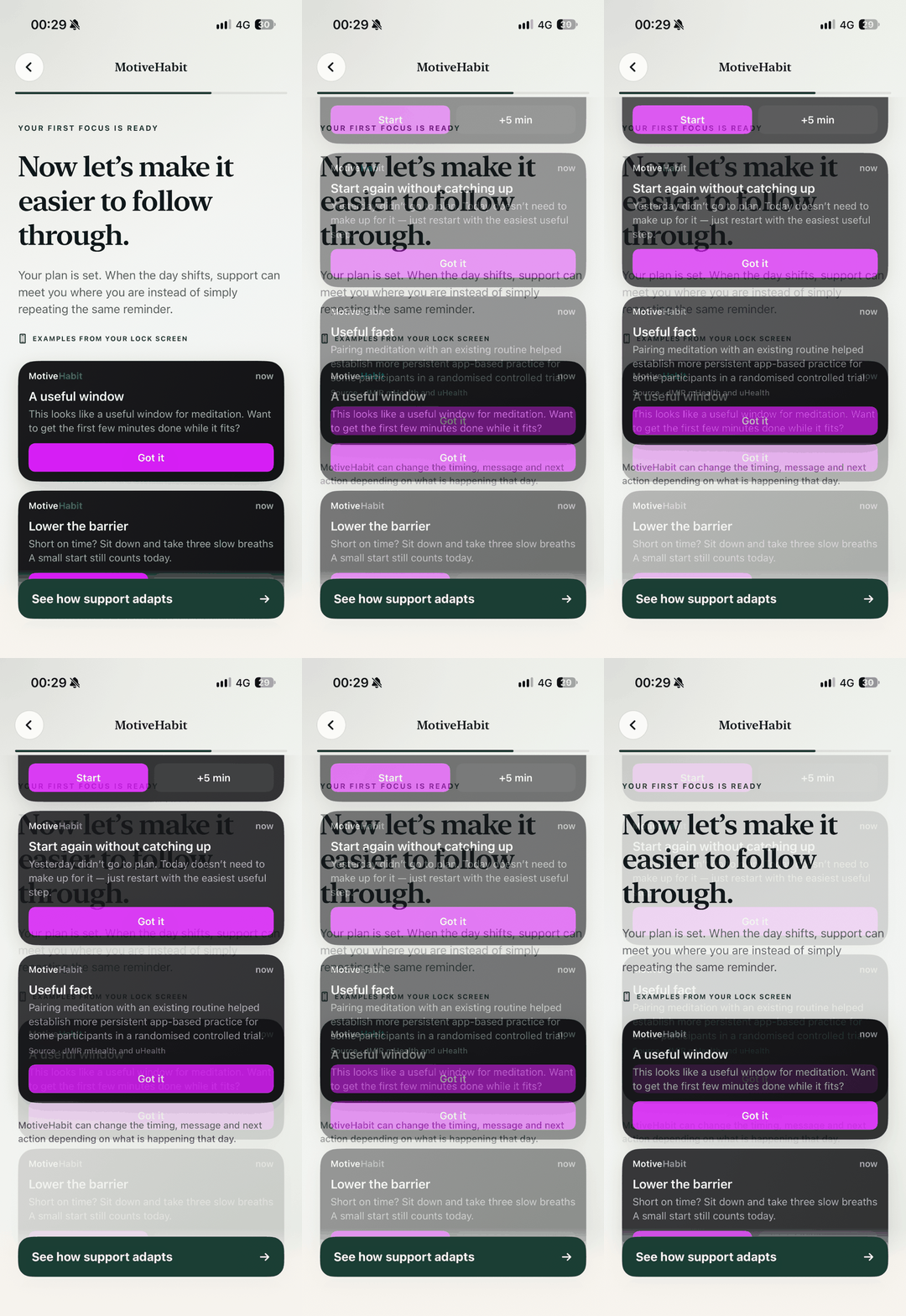
Support can change as the habit changes.
MotiveHabit reminders are not meant to be the same message forever. As the app gets evidence about timing, follow-through, lapses and how you respond to support, the wording or timing of a nudge can become more useful.
Extra Support can add help around a habit when you need more than the normal reminder pattern. After a lapse, the app can also shift toward recovery rather than simply repeating the original prompt.
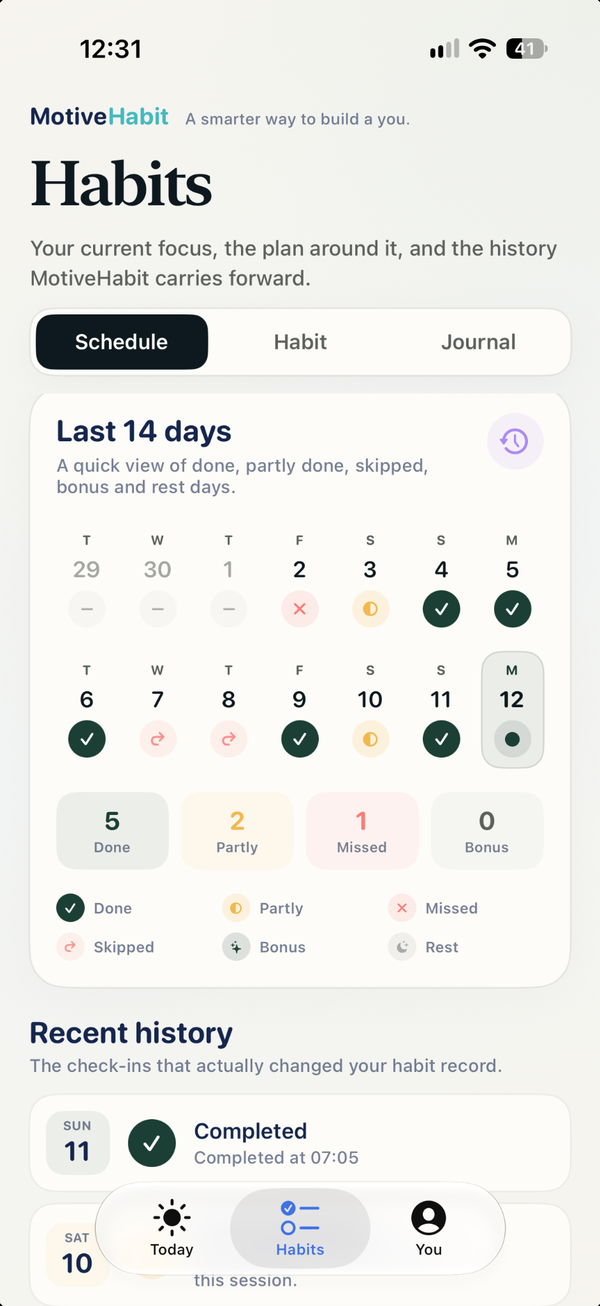
See the pattern behind the last two weeks.
The Schedule view gives you a quick record of done, partly done, missed, skipped, bonus and rest days. Recent history also keeps the check-ins that actually changed the habit record.
This is useful because a habit can look very different when you stop relying on memory. You may discover that a certain day, time or type of interruption keeps showing up.
Add the clue that the numbers cannot explain.
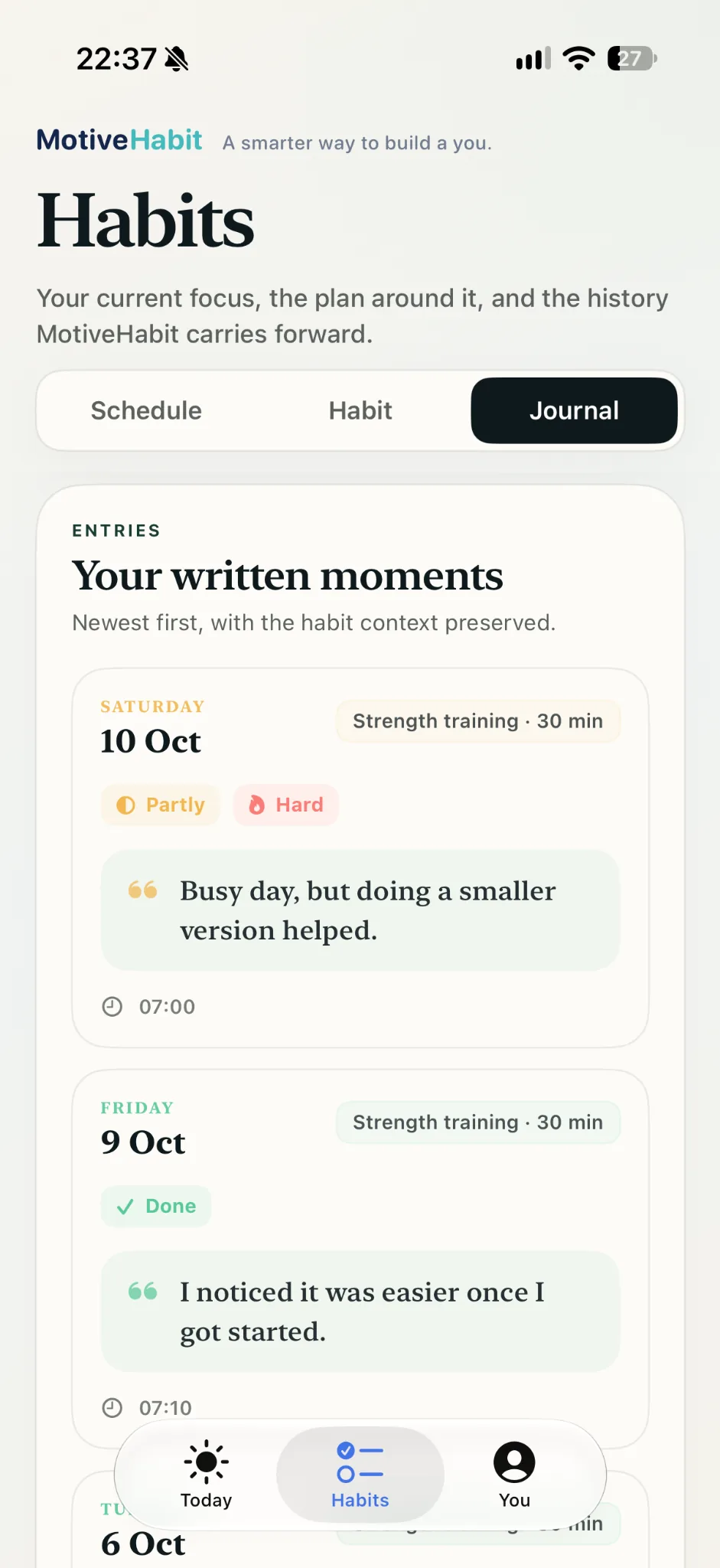
Journal entries let you add short context to a check-in: what helped, what got in the way, why the day was unusual or what made the habit easier than expected.
You do not need to write a long diary entry. A useful note can be one sentence. Over time, repeated clues are more valuable than a perfect explanation of one day.
Learning becomes visible in You.
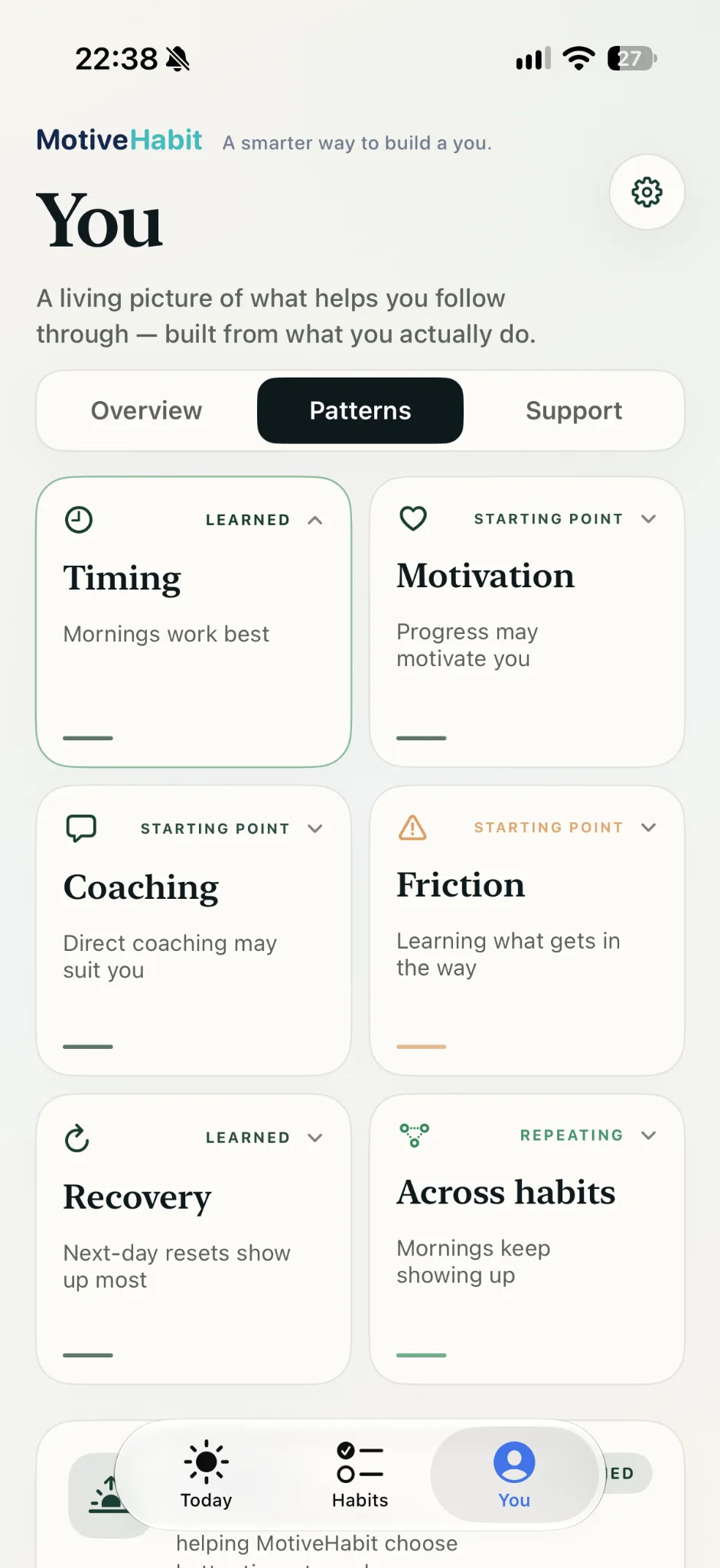
Your profile builds a living picture of what seems to help you follow through. The main areas include Timing, Motivation, Coaching, Friction, Recovery and patterns Across habits.
A card marked Learning still needs more evidence. A card marked Learned has enough repeated evidence to show a clearer pattern. When a pattern is actively helping the app support you, the card can also explain how it is In use.
Finish active coaching without losing the habit.
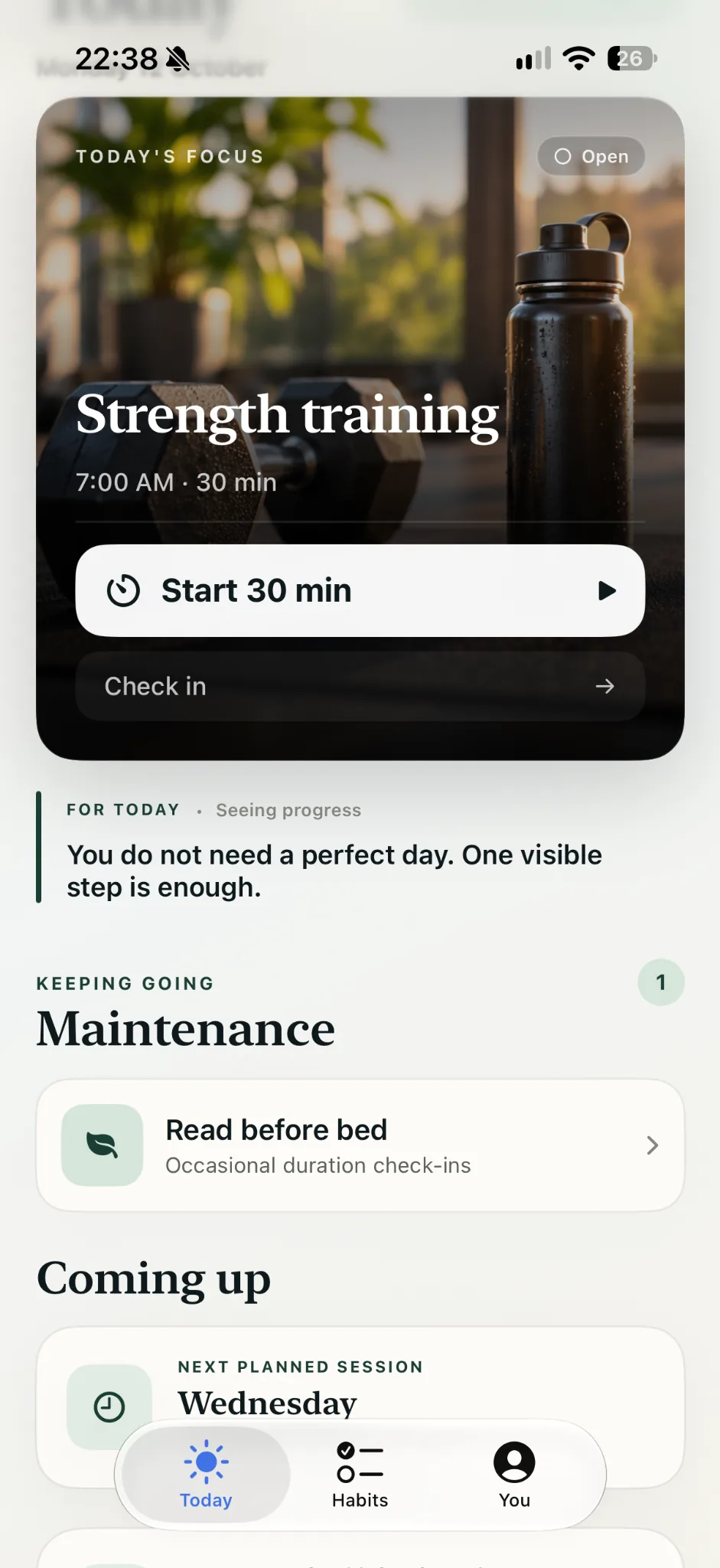
When an active habit no longer needs the same level of coaching, you can graduate it. Past habits remain part of your history and can still contribute to the wider picture MotiveHabit has learned about you.
If you still want to keep an eye on a graduated habit, maintenance mode gives it a lighter place in the app without taking over the single active focus.
Not every habit is something you want to do more often.
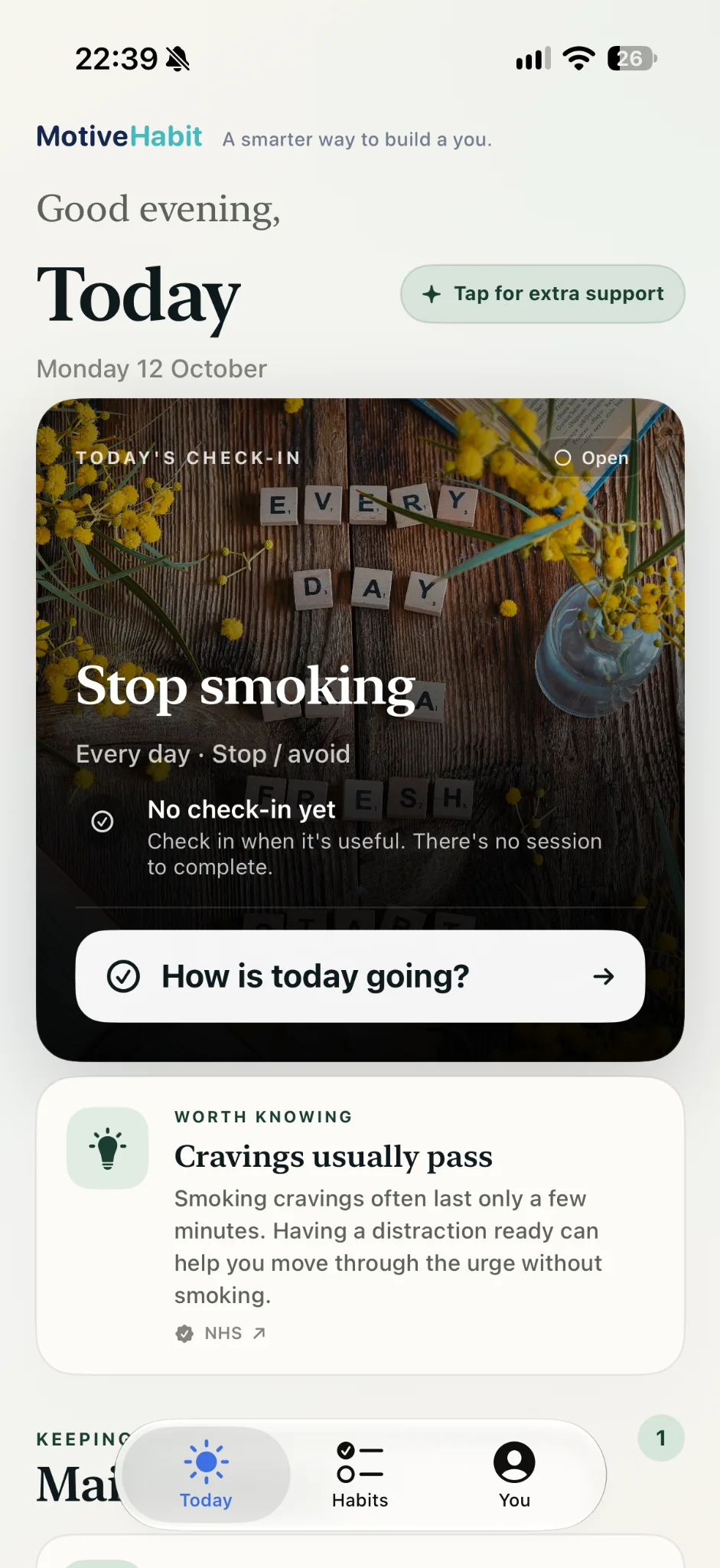
For a reduction habit, progress can mean lowering an amount over time. For a stop or avoid habit, a successful day may simply mean the unwanted behaviour did not happen.
If there is a lapse, record it rather than hiding it. The goal is to make recovery easier and learn what happened around the lapse — not to pretend the streak never broke.
If something is not behaving as expected.
Start with Support for notification, Premium, subscription and new-phone help. If the quick answer does not solve it, email us with what you expected to happen and what happened instead.